EN
EN



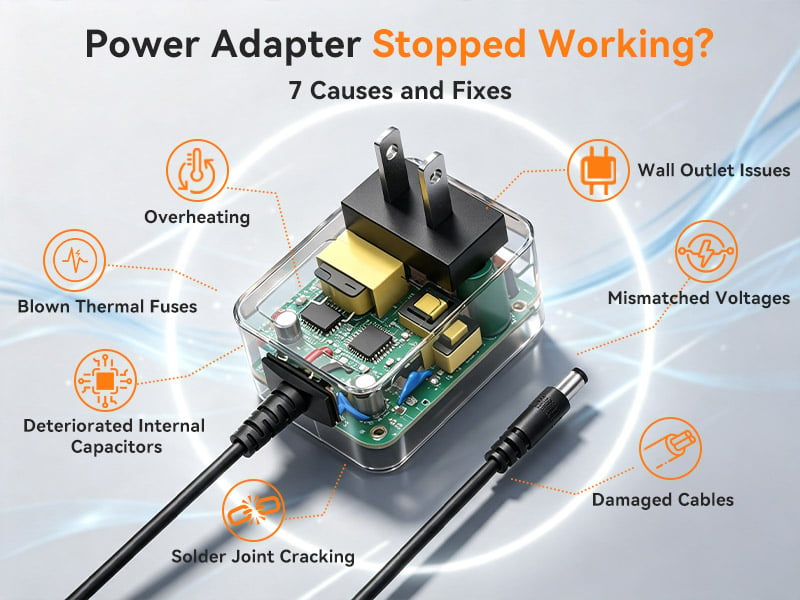
Experiencing a sudden failure where your laptop, router, or LED system loses power completely often traces back to internal protective mechanisms triggering within the power supply. Modern external power units are designed with intelligent printed circuit board (PCB) layouts that continuously monitor voltage, current, and operational temperature. When a sudden power surge occurs on the main AC grid, or when prolonged heavy workloads generate excessive internal heat, protective components such as thermal cutoffs, thermistors, and integrated circuits (ICs) automatically disengage the circuit to prevent permanent damage or safety hazards. This safeguard mechanism—known as Over-Temperature Protection (OTP) or Over-Voltage Protection (OVP)—is a standard feature in high-quality units, such as those manufactured by Shenzhen Merryking Electronics in compliance with international safety standard IEC 62368-1. If your device goes completely dead during high-performance usage, the unit may simply be executing a temporary thermal shutdown. To resolve this issue, immediately unplug the power supply from the wall outlet, disconnect it from the device, and allow it to cool down completely in a well-ventilated space for at least 20 to 30 minutes. Once the internal temperature drops back within normal operating parameters, reconnecting the plug may safely reset the protective circuit.
Physical stress and mechanical wear along the direct current (DC) output cable remain among the most frequent causes of sudden power interruption. Daily handling—such as tightly wrapping cables around the casing, sharp bending near the strain relief joint, or accidental tugging—causes internal copper wire strands to fracture over time. Even if the outer PVC or TPU insulation jacket appears intact, internal open circuits or intermittent short-circuits can prevent electric power from reaching your device. Furthermore, continuous flexing can cause internal short circuits that trigger built-in Short-Circuit Protection (SCP) or Over-Current Protection (OCP), instantly cutting off power output to shield the connected device. To inspect for physical cable degradation, run your fingers along the entire length of the cable, paying close attention to the reinforced points near the AC housing and the output plug. If you notice localized bulging, excessive flexibility, or intermittent power delivery when gently wiggling the wire, internal strand breakage is present. Attempting to patch damaged high-voltage or current-carrying wiring with electrical tape is unsafe; the most reliable solution is replacing the faulty unit with a certified, industrial-grade power adapter engineered with reinforced strain relief boots.
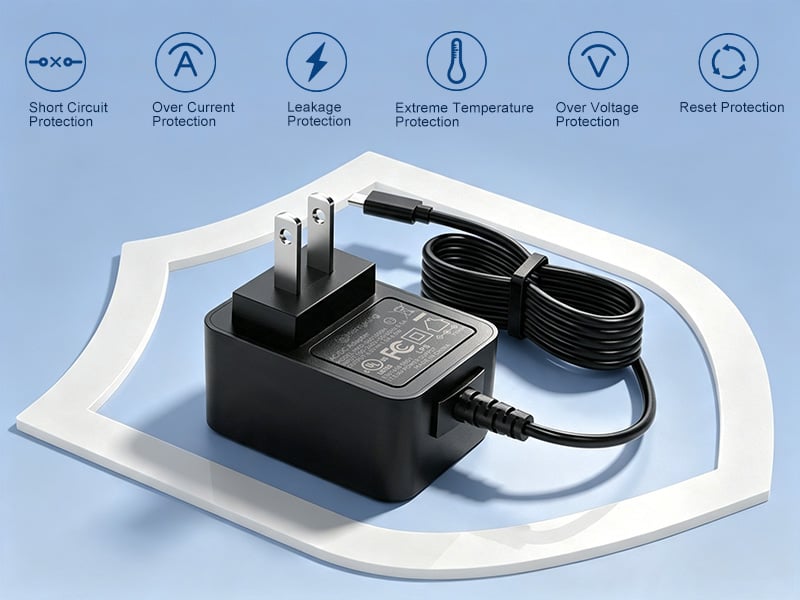
A power supply may appear non-functional simply due to poor electrical contact between the output DC barrel jack and your device’s power socket. Over hundreds of insertion cycles, the spring-loaded metallic contacts inside the device port can lose tension, or the central pin inside the male DC plug (such as common 5.5x2.1mm or 5.5x2.5mm configurations) can bend or become contaminated with dust, corrosion, or oxidation layer buildup. This creates high contact resistance, causing severe voltage drops across the terminal or causing the connection to break completely upon slight movement. To troubleshoot contact issues, inspect both the internal metal contacts of the device socket and the outer surface of the DC barrel plug. Clean any visible debris or tarnish using a dry cotton swab or contact cleaner while the unit is completely disconnected from mains power. If the plug fits loosely or wobbles within the socket, the metallic leaf springs inside the port may need adjustment by a qualified technician, or you may need to upgrade to a fresh switching power supply equipped with precise, gold-plated or nickel-plated connector terminals for stable conductivity.
When a power supply unit fails after years of continuous operation without any physical cable damage, internal component degradation is usually the root cause. Inside the primary and secondary conversion stages of a high-efficiency power supply, aluminum electrolytic capacitors play a critical role in filtering high-voltage ripple and smoothing direct current output. Over time, heat exposure causes the liquid electrolyte inside these capacitors to slowly evaporate, leading to increased Equivalent Series Resistance (ESR) and reduced capacitance. When capacitors degrade beyond critical operational limits, the power unit can no longer sustain stable output voltage under load, causing power instability, high-frequency whining noises, or complete startup failure. Premier manufacturing facilities like Shenzhen Merryking Electronics mitigate premature capacitor wear by utilizing high-temperature rated components, automated Surface Mount Technology (SMT), and 100% full-load burn-in testing in elevated temperature rooms to ensure operational reliability across global AC grids (100V–240V). If your unit displays bulging housing, emits a high-pitched buzz, or fails to deliver stable voltage output, internal component degradation has occurred, requiring an immediate replacement to safeguard your connected hardware.
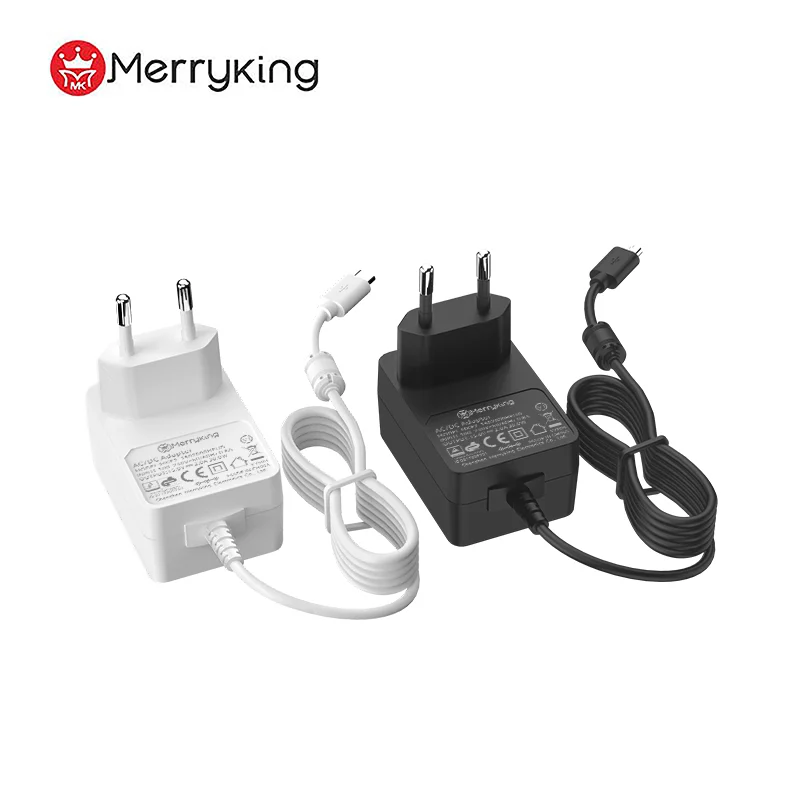
When troubleshooting confirms that your current unit has reached the end of its functional life, selecting an exact electrical and physical replacement is crucial to prevent hardware damage. Never purchase unbranded, non-certified power units, as cheap sub-standard components lack vital circuit protections and risk damaging your valuable equipment. First, examine the nameplate sticker on your original unit to match key output parameters: the output voltage (V) must match your device requirement exactly, while the output current (A) or power rating (W) must be equal to or higher than the original specification. Second, ensure correct DC plug polarity (center-positive vs. center-negative) and physical plug dimension. Finally, verify that your new replacement unit complies with global safety standards—such as UL and ETL for North America, CE-LVD and CE-EMC for Europe, UKCA for Great Britain, PSE for Japan, KC for Korea, and BIS for India—alongside top-tier green energy efficiency requirements like US DOE Level VI and European CoC Tier 2. Investing in a fully certified, high-efficiency wall mount power adapter ensures long-term operational stability, low standby power consumption below 0.1W, and comprehensive protection against electrical anomalies.
Why does my power adapter feel extremely hot before it turns off?
It is normal for power supplies to dissipate heat during operation, achieving typical operating efficiency between 87% and 92%. However, if heat buildup becomes excessive, internal Over-Temperature Protection (OTP) triggers an automatic shutdown to prevent thermal runaway. Ensure the unit is operated in an open, well-ventilated space and not covered by fabrics or enclosed in tight spaces.
Can I use a power adapter with a higher wattage rating than my original one?
Yes. Using a replacement unit with a higher current (A) or wattage (W) rating is completely safe, provided the output voltage (V) and DC plug polarity match your device exactly. The device will only draw the amperage it requires, and a higher-wattage unit often runs cooler and lasts longer.
How do I know if the problem is in the power adapter or the device itself?
The simplest way to isolate the issue is by testing your device with a known-working, identically rated power supply, or by measuring the output voltage of your current unit using a digital multimeter. If the multimeter shows zero voltage or unstable fluctuating voltage, the power supply is faulty and needs replacement.